
Sex Offender Checks in Mecosta County
The Michigan State Police Public Sex Offender Registry, or PSOR, is the main public channel for Mecosta County sex offender records. MSP maintains the law-enforcement registry and publishes the subset state law makes public. Searchers may use a full or partial name, a registration or MDOC number, or a geographic query. Selecting Mecosta as the county is the broad local view. Adding a city, ZIP code, street, or radius can narrow a neighborhood search.
The Mecosta County Sheriff’s Office does not replace PSOR with a separate local public list. Its role is the in-person registration and update channel. Call the sheriff before visiting when the question concerns verification times, an appointment, or a suspected failure to comply. A registry result is designed for safety awareness. It does not show all criminal history, and an empty result does not prove that no qualifying or related record exists.
Mecosta Registry Name Search Limits
A name search requires both first and last name, but PSOR permits partial names. That rule can help when spelling is uncertain, yet it can also yield more than one possible profile. Compare the displayed date of birth, aliases, physical description, photograph, address information, and registration number before drawing a conclusion. A registration number or MDOC number provides a more direct route when it is known.
PSOR can be busy enough to become temporarily unavailable. Do not treat a timeout as a clean search. Wait and try the official service again, use the national search as a second source, or call MSP at 517-241-1806. The SOR hotline is 866-761-7678. Local registration questions go to the Mecosta County Sheriff rather than the court clerk.
Note: A partial-name match is a lead to compare, not proof that the profile belongs to the person being researched.
How to Search the Michigan Public Sex Offender Registry
Start at the official MSP registry page and follow its public-search link. Read the conditions of use first. The search form supports person and place-based searches, as well as shortcuts for published, incarcerated, or non-compliant profiles. For a Mecosta County search, use the county selector or provide enough local address detail to define the map area.
- Open the Michigan PSOR from MSP and review the public-use terms.
- Choose a name, registration number, MDOC number, or geographic search. Enter both names for a person query.
- Select Mecosta County or add a city, ZIP code, street, and radius for a local map view.
- Open View Details and compare several identifiers. Use Map Offender or Track Offender only after confirming the profile.
| Field Label | Type | Required | Notes |
|---|---|---|---|
| First and Last Name | Text | Both for name search | Partial names are allowed |
| Registration or MDOC Number | Text | One identifier | Alternative to name search |
| Street Address | Text | Conditional | Add city, county, or ZIP |
| City, County, ZIP | Text or select | Optional | Select Mecosta for county results |
| Radius | Select | For map search | .25, .50, 1, 2, or 5 miles |
| List Shortcuts | Button | No | Published, incarcerated, or non-compliant |
The search form supports a focused local check without downloading the whole database. Individual profiles may be printed, but the full PSOR cannot be downloaded.
Mecosta County Radius Alerts
Michigan PSOR can send notice when a registrant moves, begins school, or starts work within a chosen radius. Select Email Alerts, choose Register, then enter a home address, an email address, and one of the available distances. Accept the terms and submit the form. MSP says confirmation arrives within 24 hours. One email may monitor more than one address.
The same distance choices used for map searches apply to alerts: .25, .50, 1, 2, or 5 miles. A person can also choose Track Offender from a confirmed profile, enter the email address twice, and accept the terms to receive listed profile changes. These tools support planned awareness without repeated manual searches. They do not replace a call to law enforcement about an urgent safety concern.
Inside a Registry Profile
A public Mecosta County registry profile joins identity details, registration status, address and activity ties, and the qualifying offense record. Read each field as part of the whole profile. “Employment Only,” for example, describes a Michigan registration connection and is not a new offense. Victim information is never released through PSOR.
| Name and Aliases | Published name, other reported names, date of birth, and registration number |
|---|---|
| Photo and Description | Current photograph, physical traits, and scars, marks, or tattoos |
| Address Information | Published residence details and a map control when the address has been mapped |
| Offense Information | Qualifying offense, statute, and reported offense dates |
| Other Connections | Campus, employment, and vehicle information when public |
| Status and Compliance | Registration status plus published compliance flags and verification information |
MSP defines statuses such as Active, Incarcerated, Pending Out of State, Inactive Out of State, Absconder, Homeless, School Only, and Employment Only. Compliance flags can cover an address, campus, registration, verification, vehicle, phone, fee, or required form. Each label has a specific registry meaning. None should be recast as proof of an unlisted act.
PSOR and NSOPW for Mecosta
Michigan PSOR is the primary source for a Mecosta County search because it supplies Michigan fields, status terms, map controls, and alert tools. The U.S. Department of Justice National Sex Offender Public Website, or NSOPW, adds a cross-state layer. It is useful when an address sits near a state line, a person may have moved, or the search needs to extend beyond Michigan.
The official NSOPW search screen shows how the national service connects public registries. This NSOPW source view is assigned to the Mecosta registry topic.
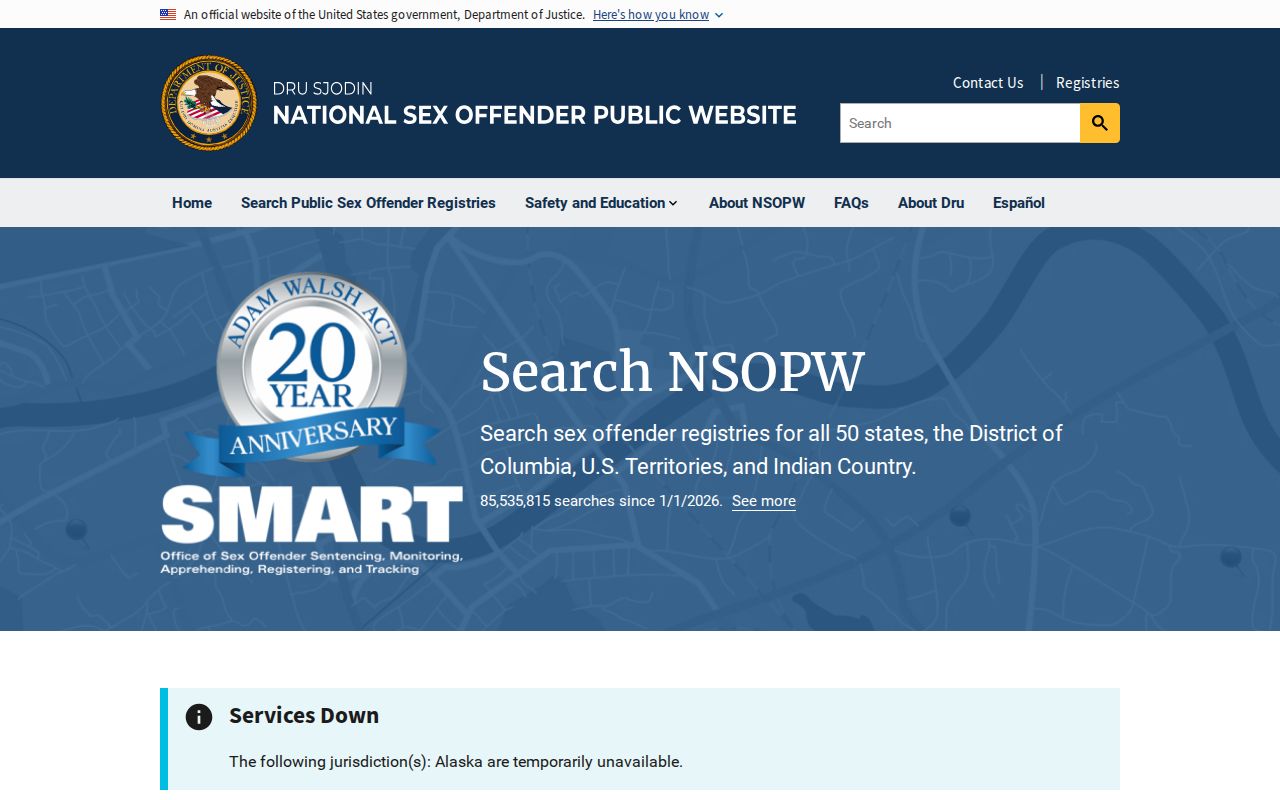
Use national results as a bridge back to the registry that owns a profile. The originating jurisdiction remains the best source for definitions, dates, and local reporting details.
Michigan Registration Levels and Requirements
Michigan uses three offense-based statutory tiers. They are not Mecosta County risk scores and do not express a local official’s view of future conduct. MCL 28.722 defines tier terms, while MCL 28.725 supplies duration and reporting duties. Verification dates depend on birth month and the reporting cycle tied to the tier.
| Michigan Tier | Duration | General Verification Pattern |
|---|---|---|
| Tier I | 15 years | Annually |
| Tier II | 25 years | Semiannually |
| Tier III | Life | Quarterly |
In-person reporting is due within three business days for changes involving residence or domicile, a legal name, the start or end of work, and higher-education enrollment. Some temporary lodging, vehicle, and telephone updates may be mailed or dropped off within the same period. The initial registration fee is $50. An annual $50 fee applies until the total reaches $550.
Mecosta Registration at Stewart Street
The local in-person channel is the Mecosta County Sheriff’s Office, 225 S. Stewart Avenue, Big Rapids, MI 49307. Call 231-592-0150 before a registration or verification visit to confirm hours and whether an appointment is needed. Local law-enforcement agencies and MSP posts may perform registration functions authorized by state law.
The MSP registry hub also explains the public search, reporting rules, profile fields, and fees. The official Michigan PSOR page shown here keeps those links in one place.
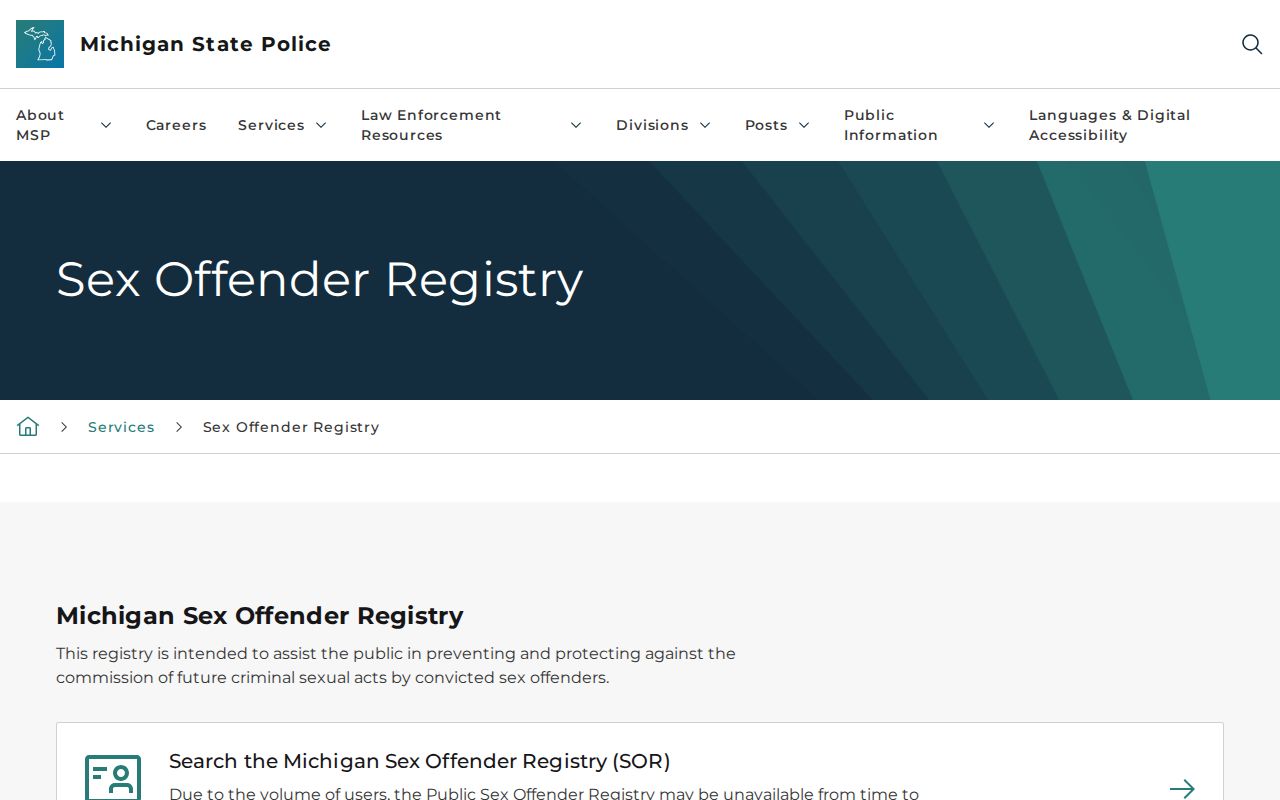
The state page is the right place to confirm current registry rules, while Stewart Street handles the local Mecosta County registration contact.
Note: Call the sheriff before visiting because the reviewed county sources did not publish a fixed registry verification schedule.
Why a Mecosta Profile May Be Absent
No result is not proof that no qualifying history exists. MSP lists several lawful reasons why a person may not appear on the public registry. They include a juvenile adjudication, death, a home outside Michigan, an offense that is not listed, and certain cases tied to timing before October 1, 1995. A court order, set-aside, HYTA status, completed registration term, or a specified single-offense exception may also remove public display.
When a known case is not visible, check whether the name and birth details were entered correctly. Then review the public court case through MiCOURT if the goal is to understand the disposition. Registry absence and court access answer different questions. For an error in a PSOR profile, contact MSP or the registering law-enforcement agency and provide enough detail to identify the record.
The Mecosta County Jail and the court clerks at the Mecosta County Building keep separate custody and case records. Neither local source functions as a substitute PSOR search. A releasable sheriff incident record follows the county’s FOIA request channel, not the registry search form.
Community Notification and Lawful Use
Michigan makes PSOR information public for awareness and safety planning. The address alerts and profile tracking tools let Mecosta County residents receive notices without watching or approaching a registrant. If a person seems non-compliant, note the relevant public details and report the concern to the Mecosta County Sheriff or MSP. Law enforcement can compare the report with nonpublic registration data.
MCL 28.730 governs public availability and lawful use. Registry data does not grant permission to trespass, follow someone, publish victim details, or act as a vigilante. A profile reflects a statutory duty and prior qualifying event. It is not proof of current misconduct.
For an immediate threat, use the proper emergency channel. For a question about an address, status, or missed update, give law enforcement the public profile details and let trained staff verify them.
Use registry records lawfully: Michigan law forbids using PSOR information to threaten, intimidate, harass, or commit a crime against a registrant or another person.